Job management software that does the paperwork for you
Drop the paper diary, the spreadsheets and the Sunday night invoicing. Hubber automates the quoting, scheduling, chasing and admin a trade business does by hand, and gives you back hundreds of hours a year.
Sales PipelineTrack and manage your offers through the sales process
Search offers…Quick quoteTerms & sectionsStages
Enquiries21£2,150£670 total · Nothing sent to the customer yet
Imogen HarperIH
Home move · 3 bed
£1,480Not contacted
D. OkaforDO
House clearance · 2 rooms
£670Not contacted
Survey Appts21£3,880£2,400 total · Booked visits
Imogen HarperIH
Home move · 3 bed
£1,480Video · Thu 10:00
T. BellTB
Home move · 4 bed
£2,400Video · Thu 10:00
Quote sent21£5,280£3,800 total · Waiting on the customer
Imogen HarperIH
Home move · 3 bed
£1,480Not opened yet
Whitmore & CoWC
Office move · 14 desks
£3,800Opened twice
Booked21£4,420£2,940 total · Deposit paid, date set
Imogen HarperIH
Home move · 3 bed
£1,480Deposit paid
Imogen HarperIH
Home move · 3 bed
£1,480Crew on site
P. SinghPS
Move and storage
£2,940Fri 28 Nov
Job completed21£2,660£1,180 total · Signed off and invoiced
Imogen HarperIH
Home move · 3 bed
£1,480Paid
K. LoweKL
House clearance
£1,180Paid
07:4009:1511:3019:05Hubber notifications
Quote signedImogen Harper paid the £296 deposit by card
Quote sentQ-1042 for £1,480 is with Imogen Harper
Survey bookedVideo survey, Thursday 10:00
New enquiryImogen Harper · home move, 3 bed
Job Sign In/Out
Imogen HarperHome move · Blue team · Checklist: Home move
Signed in on site07:52
Walk-through with customerSigned
Before photos6 photos
Damage during the move?
After photos
Customer sign-off
MenuDispatchClock InTeam Chat
Job Sign In/Out
Job closedFinal invoice paid by card
Balance£1,184.00
Deposit paid£296.00
Signed byImogen Harper
Send receipt
MenuDispatchClock InTeam Chat
Mon 07:40 New website enquiry from Imogen Harper
Mon 09:15 Video survey booked for Thursday
Thu 11:30 Quote Q-1042 sent for £1,480
Thu 19:05 Signed online. Deposit of £296 paid
Fri 07:52 Blue team signed in on site
Fri 16:20 Signed off. Balance of £1,184 paid
Built in a working yard, not a boardroom
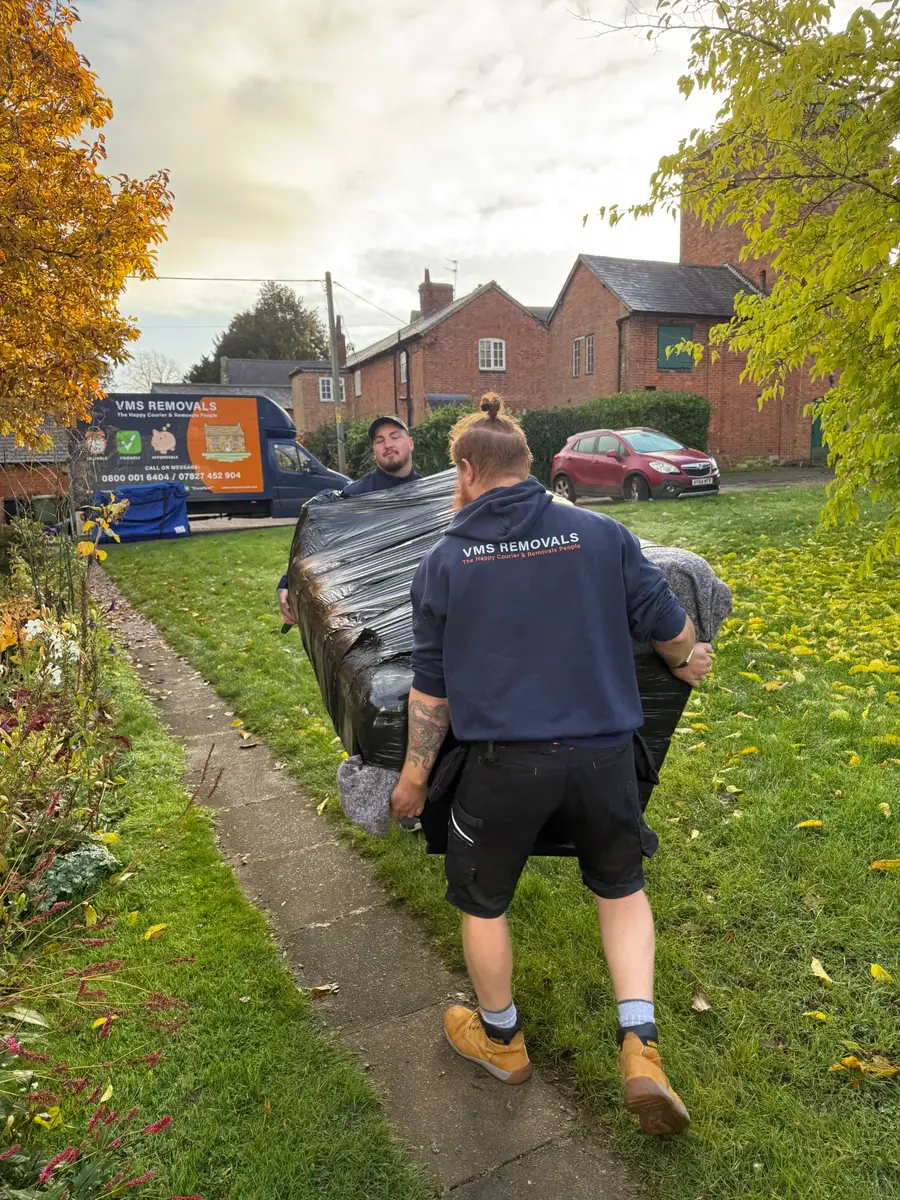
Hubber was written inside a removals, storage and clearance company and is used every day to run it: the same crews, vans and customers you see here. Every screen exists because somebody on a job needed it.
Stop doing the jobs nobody started a business to do
Every line on the left is something Hubber now does for you, automatically, while you get on with the work.
Typing up quotes at the kitchen tableQuotes built from your price book in minutes, signed online by the customer
Ringing round the crew every morningThe rota is published to every phone, with the day's jobs, addresses and directions
Paper job sheets that come back wet, or not at allA checklist, photos and the customer's signature captured on the phone
Chasing deposits and unpaid invoicesInvoices raise themselves, card links go out, reminders chase until it is paid
Remembering to email the customerConfirmation, reminder, on-my-way and thank-you emails send themselves
A diary on the wall and a whiteboard in the yardOne calendar for jobs, vans, staff and leave, the same on every screen
Matching the bank statement to a spreadsheetYour bank feeds in, payments match themselves, and the books are already done
Finding out the MOT ran out last weekEvery van, licence and certificate tracked, with a warning before it expires
How many hours would you get back?
Move the slider to the number of jobs you do in a week.
jobs a week
455hours a year
That is about 57 working days you are not spending on admin.
An estimate, not a promise. It assumes Hubber saves 35 minutes of admin on each job: 10 on the quote, 8 on scheduling and telling the crew, 5 on the job sheet and photos, and 12 on invoicing and chasing payment. Your own numbers will differ.
Set up for the way your trade works
Services, checklists, forms and customer emails are yours to shape. Start from the trade closest to yours.
Most trade software handles one piece of this and leaves you to carry the job between apps. Hubber carries it for you.
1Enquiry
The enquiry lands, and somebody owns it
A form on your website, a phone call or a lead you bought all arrive in the same inbox. You see who has been rung and who has not, so the lead that came in at 7pm is not lost by 9am.
Lead CaptureEvery enquiry, in the order to chase it
Add lead
LeadsForm entriesIntegrations
Imogen Harper3-bed home move · Leicester to Derby
Website form2 min agoNot contacted
D. OkaforHouse clearance · 2 rooms and a garage
Phone38 min agoCalled, no answer
Whitmore & CoOffice move · 14 desks
Lead providerToday 08:12Survey booked
Priya SinghStorage · 6 months
Website formYesterdayQuote sent
12form visits today
5started the form
3sent an enquiry
2Survey
Survey once, on site or by video
Walk the job with a phone, tick off what is there and take photos. The answers build the quote, tell the crew what to bring and reserve the packing materials. Nobody types it twice.
Price from your own price book and send a link. The customer reads it on their phone, signs with a finger and pays the deposit. Hubber books the job the moment they do.
Your quote from Northgate RemovalsQ-1042 · for Imogen Harper · move date Fri 21 Nov
Awaiting approval
Home move, 3 bedrooms, Leicester to Derby£980.00
Packing service, 2 packers, 1 day£260.00
Packing materials£95.00
Piano, upright, ground floor£145.00
Total£1,480.00
Deposit to secure your date (20%)£296.00
Sign hereImogen Harper · I accept the terms
Approve and pay deposit
4Booked
The right crew, the right van, the right day
Build the rota, colour the teams and publish. Each team opens its own day: the address, the survey, the quote and directions, with the route put in a sensible order.
Your checklist, on their phones. Sign in, van check, before and after photos, any damage recorded, and the customer's signature at the end. You watch it happen from the office.
Sign-off raises the final invoice with the deposit already taken off. The customer pays by card on the doorstep or from the email link, and the money goes straight to your own account.
Invoice NR-H1042-BALNorthgate Removals · final balance
Due today
Home move, as quoted£1,480.00
Deposit paid 12 Nov−£296.00
To pay£1,184.00
Pay £1,184.00 by cardSecure checkout. The money settles to the company's own account.
7Paid
And the books already know
The payment shows in your figures the second it clears, next to wages, fuel and materials for the same week. You know what the job made without opening a spreadsheet.
Hubber's AI works from your own jobs, customers and figures, and only shows each person what their role is allowed to see.
Hear it answer
36 seconds, with sound
YouWhat have we got booked for Friday?
Hubber AIThree jobs on Friday. Blue team has the Harper home move at eight. Green team has a clearance at half past nine. And Amber team is on day one of the Whitmore office move.
YouWho still owes us money?
Hubber AITwo invoices are overdue, four hundred and sixty pounds in total. Would you like me to send both customers a reminder?
YouYes please. And move the Lowe clearance to Monday.
Hubber AIHere's what I'll do. Send two payment reminders, and move the Lowe clearance to Monday with Green team. Nothing changes until you approve.
The voices are for this demo. In Hubber you can talk like this or type, and it answers from your own live data. Changes still wait for your tap.
Hubber is job management software for UK trade and field-service businesses. It covers the whole job in one place: enquiries, surveys, quotes, scheduling, the crew's checklist on the day, invoices, card payments and the accounts.
Which trades is Hubber for?
Hubber was built inside a working removals, storage and clearance company, so it is strongest for businesses that send crews and vans to a customer's address. Services, checklists, forms and emails are all set per service, so electricians, plumbers, landscapers, cleaners and storage companies set it up for their own work.
How much does Hubber cost?
The price depends only on how many people work in the business. It starts at £49 a month for 1 to 3 staff. Every feature is included at every size and no VAT is added. See the pricing page for each band.
Is there a free trial?
Yes. Every new company gets a 14-day free trial. You enter a card to start it and you are not charged until the trial ends. You can cancel before then.
Do my crew need to install an app?
No app store is needed. Crew open Hubber in their phone's browser and can add it to the home screen, where it behaves like an app and can send notifications.
How do customers pay?
Customers pay by card through a secure payment link, on the doorstep or from an email. You connect your own payment account, so the money settles directly to you and Hubber never holds it. Bank transfer details can be shown instead.