A job sheet app with digital job sign-off
Your crews follow the same checklist on every job, on their own phones. Photos, answers, the customer's signature and the payment are all recorded before the job can be closed.
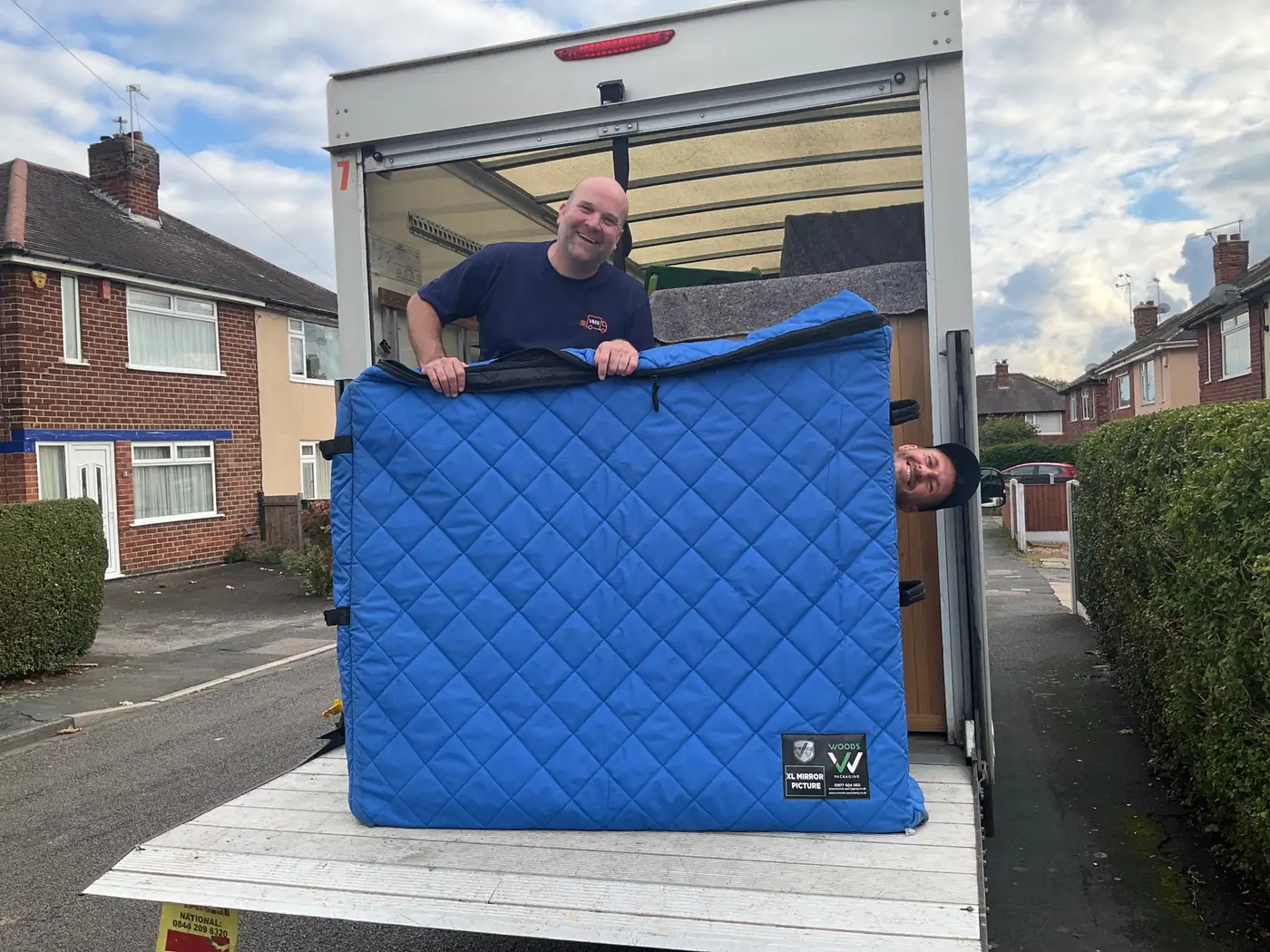
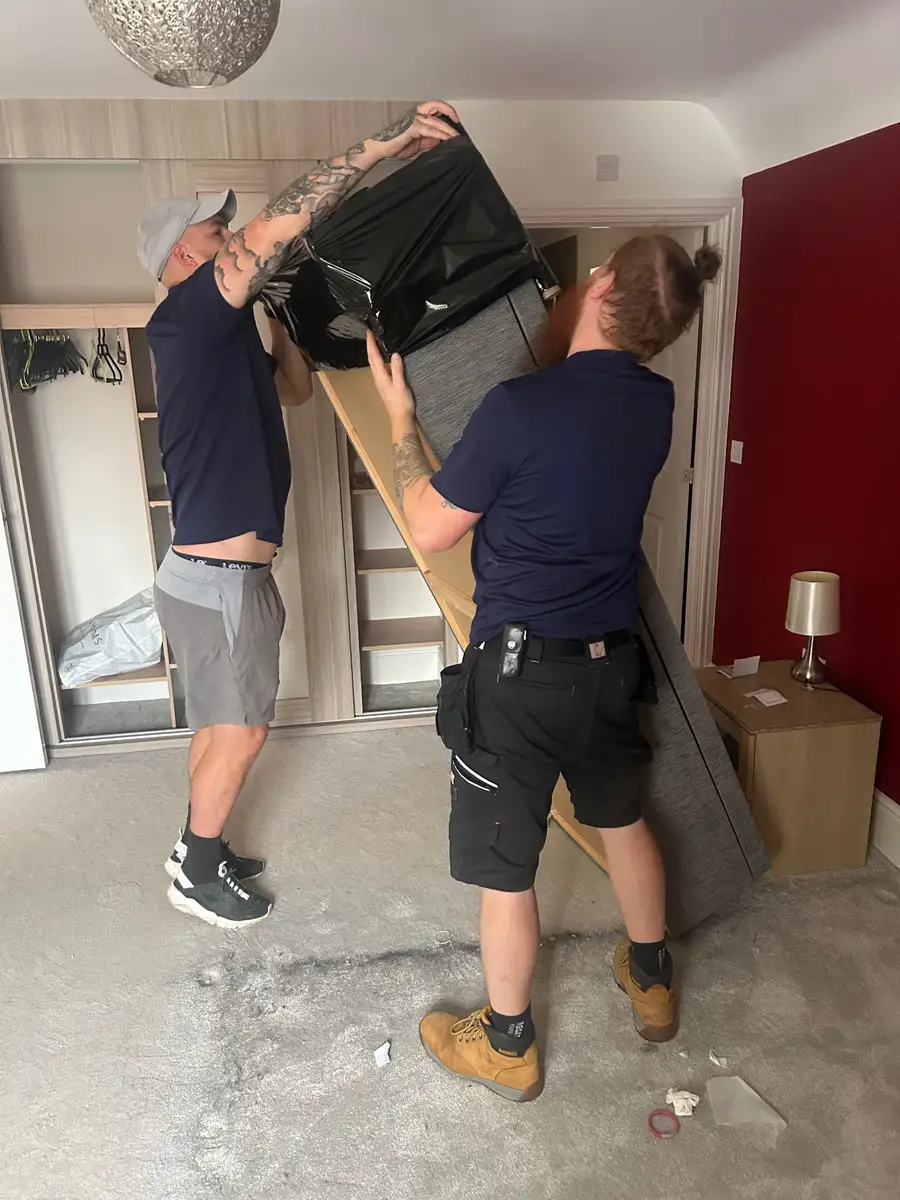

Real crews on real jobs, from the removals company Hubber was built in.
A checklist for the start, the middle and the end
Each job is worked through in three parts. At the start the crew sign in, record the arrival time and walk round with the customer. During the job they answer your questions and record anything that goes wrong. At the end they collect what is owed and the customer signs. A bar shows how far through they are, and Hubber lists exactly what is still needed, so nobody phones the office to ask why the job will not close.
- Sign in with the arrival time
- Walk-through declaration signed by the customer
- A clear list of what is left before the job can close
Build the checklist yourself
Job Sign-Off Settings is where you decide what crews are asked. Each type of job has its own checklist. Add a tick box, a Yes or No question, a text answer, a set of photos or a declaration to sign. Mark a step as required, and it has to be done before the crew can move on. Mark it as needing manager approval, and a supervisor gets a notification to approve or reject it with a note. Drag steps into the order the job really happens in.
Photos that prove the job was done properly
Ask for a set of photos at any step and say how many you need: the property before you start, the protection you put down, the van loaded, the rooms after. The phone camera opens from the step and photos are shrunk before they upload, so they send on a weak signal. A Yes to a question such as damage during the move can ask for photos and a reason there and then. If a customer later disputes something, the dated photos are on the job.
- Required photo sets with a minimum number
- Video as well as photos
- Questions that ask for photos only when the answer needs them
Signature and payment before the job closes
The customer signs on the phone screen. If they cannot draw a signature, the crew can record a typed name instead, and the certificate says so. The balance is worked out from the quote, the deposit already paid and any extras or overtime added on the day. The crew choose card, cash, bank transfer or invoice, and the job will not close until payment is confirmed. Card payments use a link or code the customer opens on their own phone. For a bank transfer, with the bank feed connected, the crew press Check bank to see whether the money has arrived. Tips can be recorded and shared between the crew.
Van checks and the depot at the end of the day
The same phone handles the van. Before leaving, the driver completes a check: quantities of kit in the box and cab, and Yes or No answers on the outside of the vehicle. A No needs a comment and creates a maintenance record for the office automatically. Hubber knows which vans are still out and reminds whoever took them. A daily depot close-down checklist confirms every van is back and the unit is locked. See fleet.
A completion certificate for every job
When the job closes, Hubber produces a completion certificate as a PDF with the answers, the signatures and the times, and can email it to the customer with their invoice or receipt. The office sees closed jobs with their photos, and a supervisor can be asked for a short debrief that only managers read. Because sign-off is recorded the same way every time, a new starter follows the same standard as your most experienced crew.
Questions about crew app and job sign-off
Do my crew need to install an app?
No. Hubber runs in the browser on any modern phone and can be added to the home screen so it opens like an app. Each crew member signs in with their own login and sees the jobs they are on.
Can I stop a job being closed before the customer has paid?
Yes. Payment is a step in the checklist. The crew confirm card, cash, bank transfer or invoice, and the job cannot be closed until that is done. A manager can override a stuck step, and the override is recorded with their name.
What if the customer cannot sign on the screen?
The crew tick that the customer is unable to sign and record a typed name. The certificate shows it as a typed acknowledgement, never as a drawn signature. If the customer is not on site at all, the crew can record that instead.
Can different jobs have different checklists?
Yes. Each job type has its own steps and photo sets, and you link each service you sell to the checklist it should use. You can also limit which job types a role is allowed to sign in and out.
How do crews take card payments on the doorstep?
The crew press Take payment now and the customer pays on their own phone through a link or code. The money goes through your own Mollie account and settles directly to you. Hubber marks the invoice paid once Mollie confirms it.
Does it work for multi-day jobs?
Yes. The crew finish each day separately, with that day's photos and overtime, and close the job on the last day. Finishing a day lets them clock out without closing the whole job.
Works with the rest of Hubber
Often used by: Removals House clearance Electricians Cleaning
Run your next job in Hubber
Start a 14-day free trial. Set up your services, send a quote and book a job today.
A card is needed to start the trial. You are not charged until day 15, and you can cancel before then.