Vehicle check app and fleet compliance software for vans
Know every van is legal, checked and accounted for. Drivers do the walk-round on their phone, defects are chased until fixed, and with Radius you see fuel spend and where each van is.
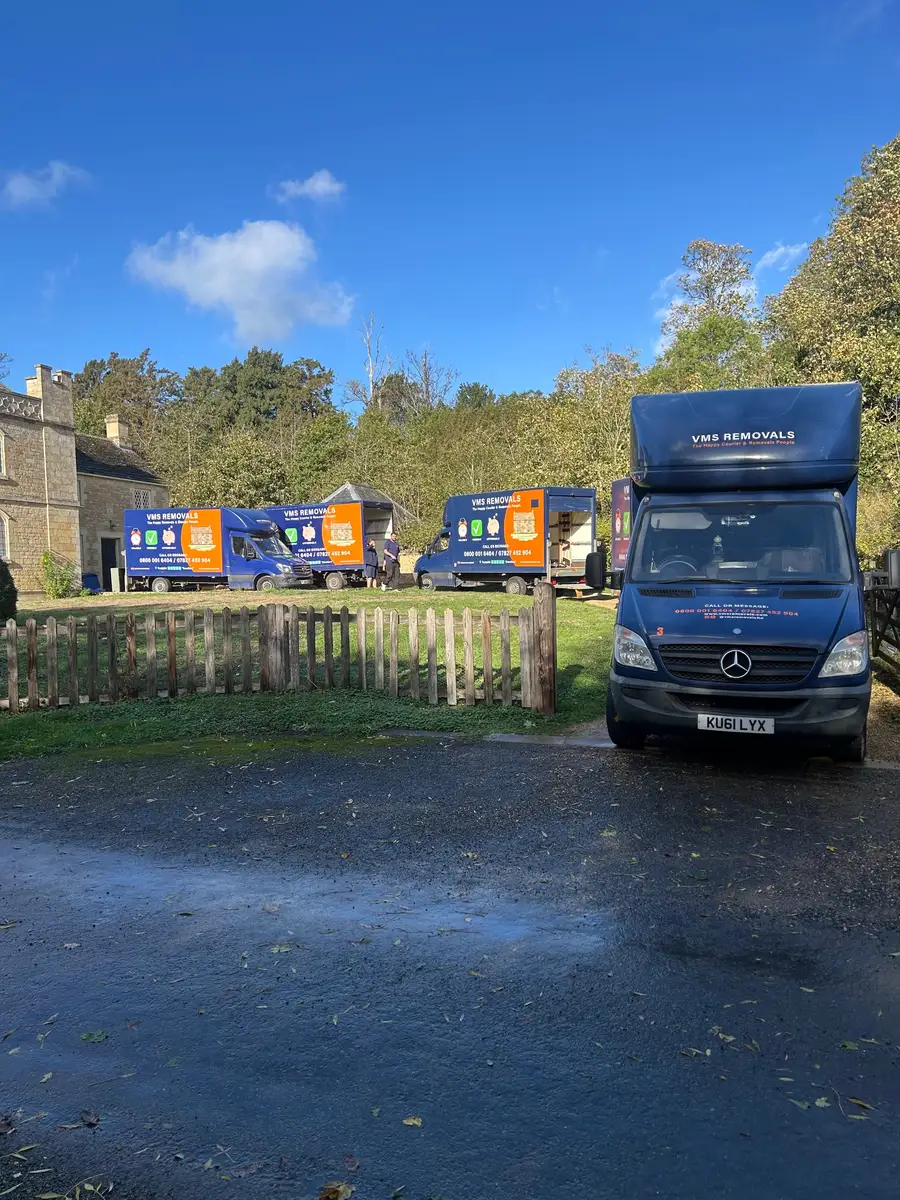
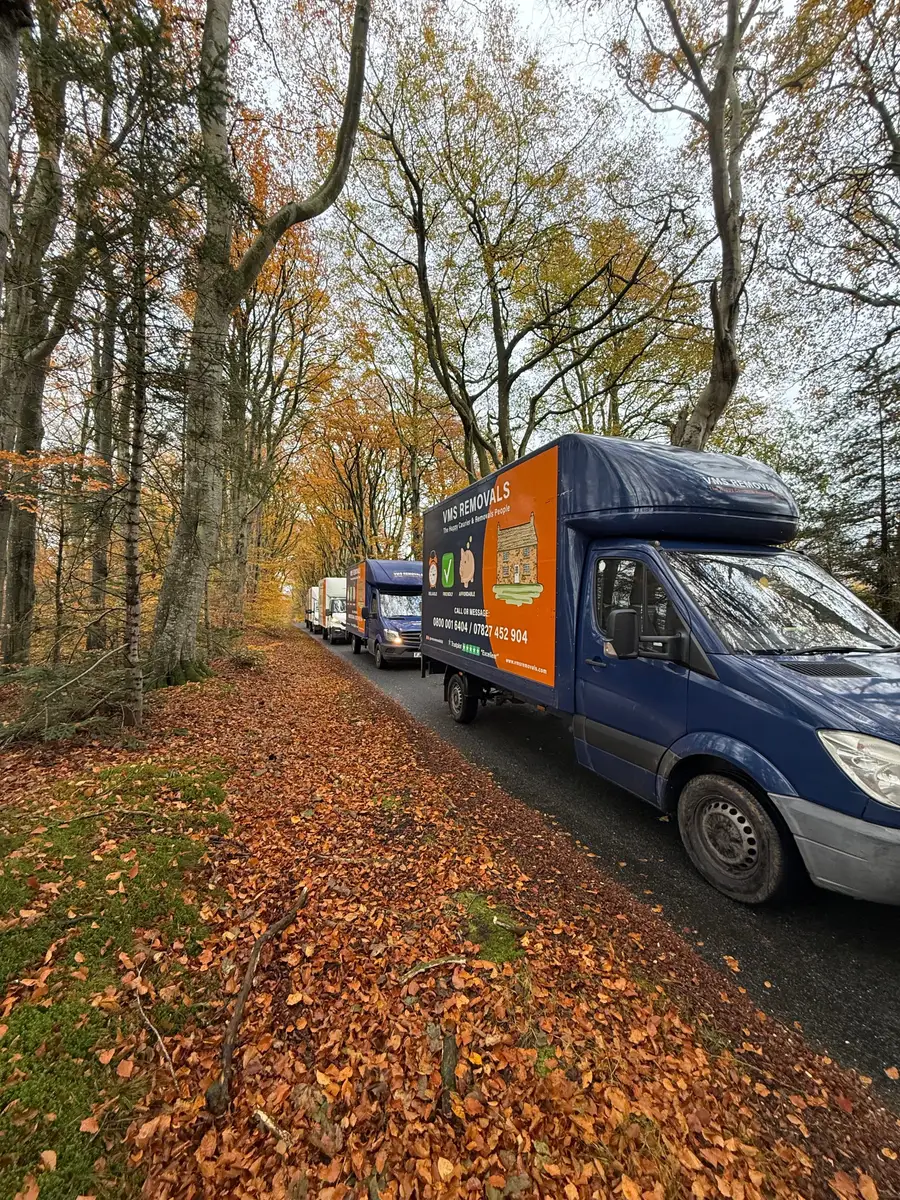
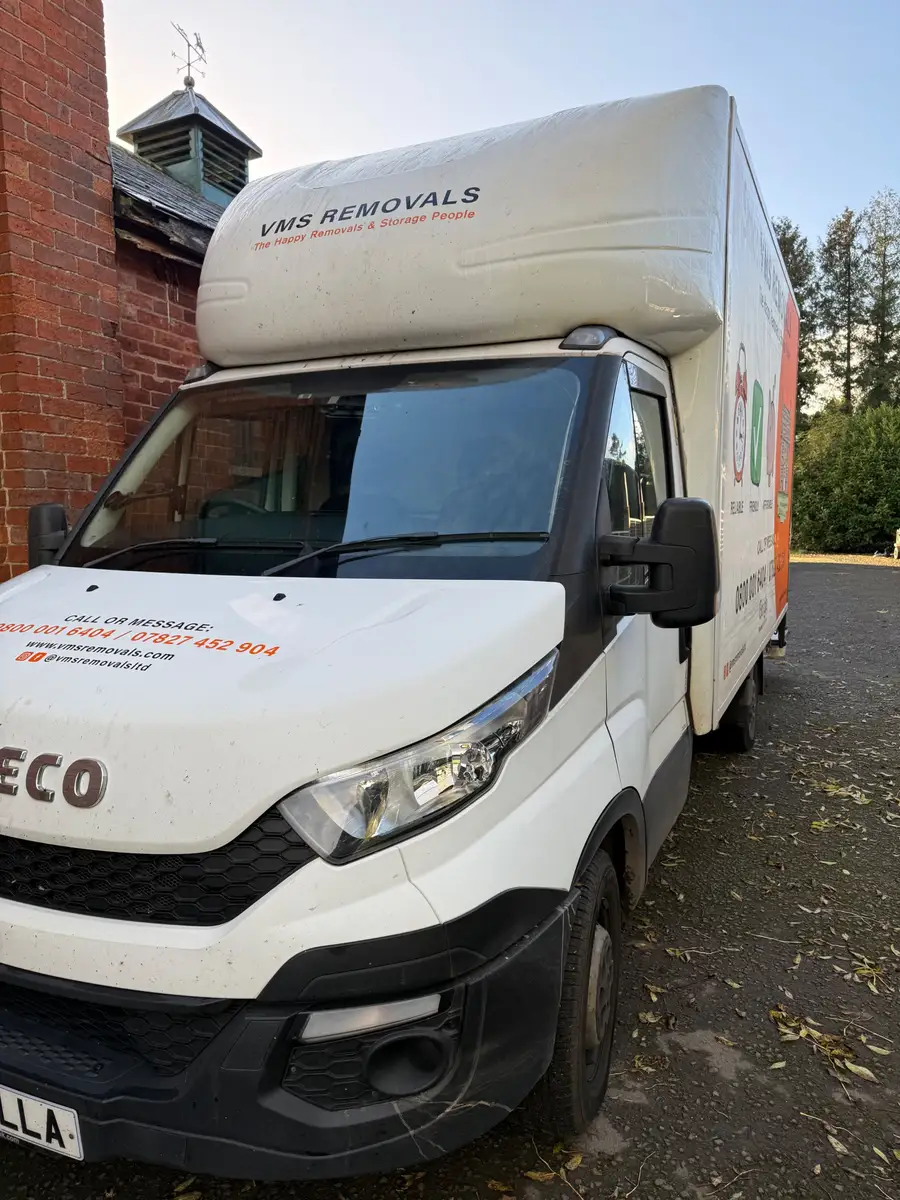
Real crews on real jobs, from the removals company Hubber was built in.
A vehicle register with every date that matters
Each vehicle has its registration, make, a van number your crews recognise, and the dates for MOT, road tax, insurance, tachograph, operator licence and next service. The list shows a traffic-light badge: green is valid, amber is due within 30 days and red is expired. Vehicle Compliance gathers every date across the fleet onto one page, soonest first. A daily email tells the people responsible what is expiring, so an MOT is booked before the van is off the road.
- MOT, tax, insurance and service dates per vehicle
- Green, amber and red badges on the list
- A daily reminder email for anything due in 30 days
- Van numbers shown everywhere a van is picked
Daily sign out and sign in checks on a phone
Before a van leaves, the driver completes a sign out check: counts for the kit in the box and cab, and Yes or No answers for lights, tyres, fuel and bodywork. The questions are yours. Add, rename, reorder or mark any of them required, and set a minimum quantity for kit like blankets and straps. The check records the team, the crew and the job. When the van is back, a sign in check closes the loop, and Hubber shows which vans are still out.
A No answer becomes a defect that is chased
Answering No needs a comment, and saving the check creates a maintenance record against that van automatically. The person who reported it is asked for an update until it is marked fixed, and the next driver must acknowledge open issues before taking the van out. If it cannot be fixed yet, they say why and managers are told. Maintenance also holds planned work: services, repairs and their cost, which feeds the profit and loss in accounting.
- Defects raised straight from the check, with photos
- Open defects listed until someone resolves them
- Service history and cost per vehicle
Fleet Hub: fuel cards and a live van map with Radius
Connect your Radius account in Fleet Hub and Hubber brings in your fuel-card transactions several times a day. Each fill-up is matched to a van by the registration entered at the pump or by the card linked to that van. With Radius trackers fitted, the Live map shows each van as moving, idle or parked, and whether it has been signed out. Trips are built from the recorded positions, with start, end and approximate miles.
- Fuel-card fill-ups matched to the right van
- Live map with moving, idle and parked vans
- Trips with times and approximate miles
- Private mode and off-duty take-home vans respected
Miles, MPG and cost per mile for each van
Put fuel and trips together and the Fuel tab shows a summary for each van: number of fill-ups, fuel spend, approximate miles, miles per gallon and cost per mile. A van drinking far more than its twin stands out in one glance, and so does a fill-up that matches no van. Miles are worked out from tracker positions and are labelled approximate. Fuel spend stays out of your costs total, because the Radius invoice is already the cost and counting both would double it.
Driver documents and what to do in a crash
Keep each driver's licence, CPC and tacho card on file with expiry dates and photos taken on a phone. The same daily email flags documents about to lapse. If the worst happens on the road, the crew have an Emergency button on their job in the Dispatch Hub. It files a high-severity incident report against the job and van and alerts managers at once, alongside your own breakdown and insurer numbers.
Questions about fleet
Can I set my own vehicle check questions?
Yes. The checklist is per company. Add, rename, hide, reorder and require items in each section, set minimum quantities for kit, and choose which No answers go to Maintenance.
What stops a driver skipping the check?
A van that is signed out shows as out until it is signed back in, managers are alerted in the evening about vans still out, and staff are prompted to finish open checks before they clock out.
Do I need Radius to use the fleet features?
No. The vehicle register, compliance dates, daily checks, defects and maintenance all work without it. Radius adds fuel-card transactions and, with trackers, the live map, trips and MPG.
Does the live map show who is driving?
No. The map shows the van and whether it has been signed out, not a person. A van that goes home with a driver shows as off duty when it is not signed out, and a tracker in private mode stores no location.
How accurate are the miles and MPG?
Miles are measured in straight lines between tracker positions, so they are a close estimate and are labelled approximate. MPG uses those miles and the litres on your fuel-card transactions.
Will Hubber remind me about MOT and tax?
Yes. Anything due within 30 days turns amber and is listed in a daily email to the people who manage vehicles. Expired items turn red.
Works with the rest of Hubber
Often used by: Removals House clearance Plumbers and heating Landscaping and gardening
- Scheduling and dispatchPlan the week, build crews and give each team its day.
- Team and HRStaff records, training, contracts and onboarding in one place.
- Rota, time and payPublish the rota, clock in on a phone and run pay from real hours.
- AccountingProfit and loss, costs, VAT and a cash ledger without a spreadsheet.
Run your next job in Hubber
Start a 14-day free trial. Set up your services, send a quote and book a job today.
A card is needed to start the trial. You are not charged until day 15, and you can cancel before then.