Removals software built inside a removal company
Hubber is removal company software that follows a move from the first phone call to the final payment. Survey the house, send the quote, take the deposit, plan the crews and vans, sign the job off on the doorstep and invoice the balance, all in one place.
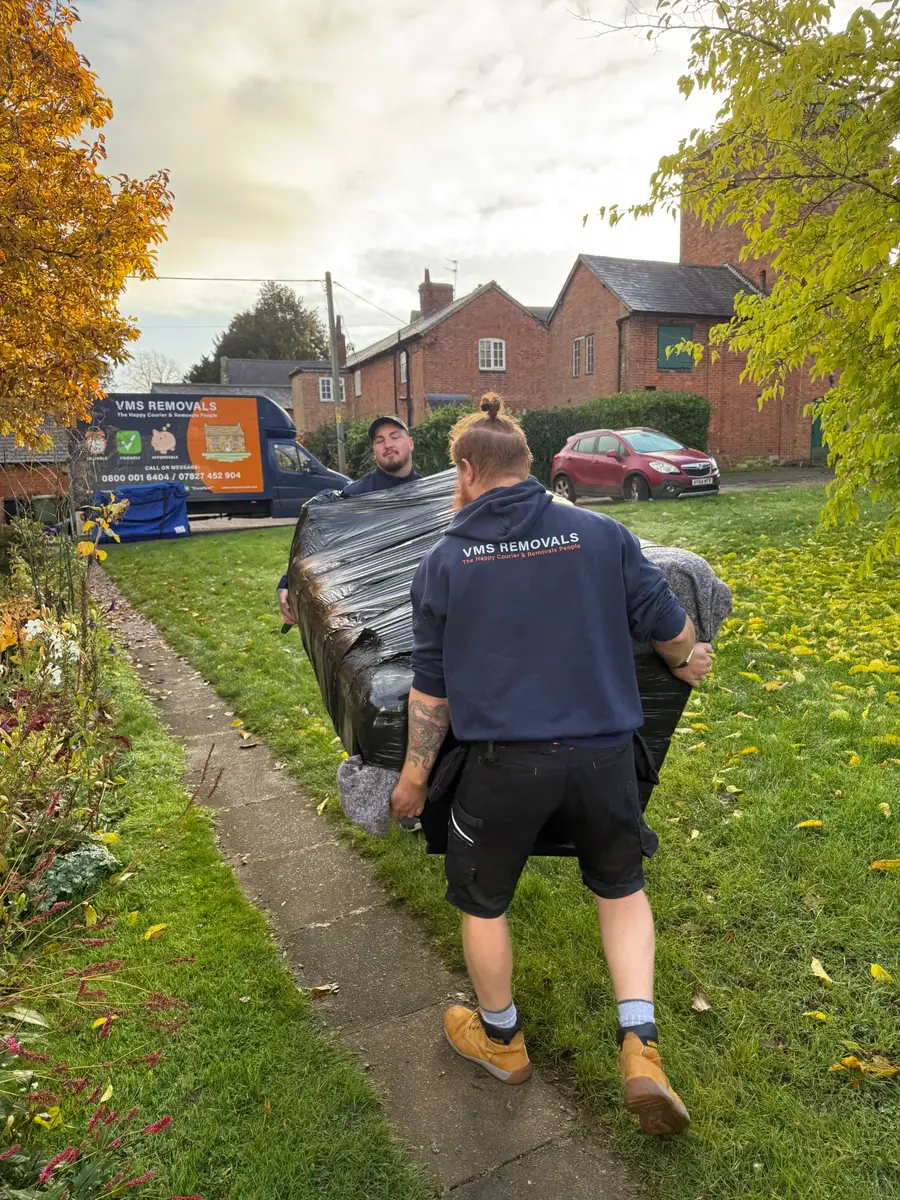

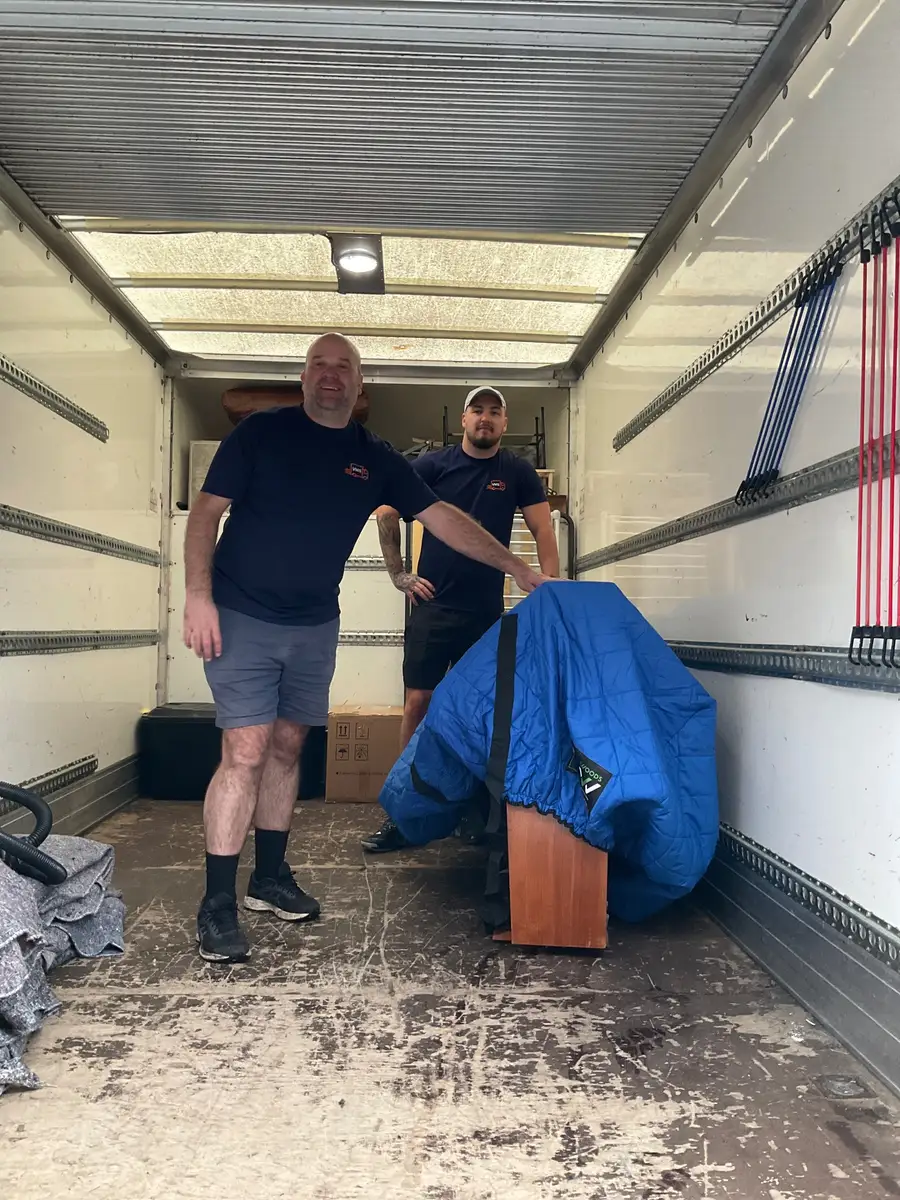
Real crews on real jobs, from the removals company Hubber was built in.
A working day in Hubber
Vans are checked before they leave the yard
Each driver runs the daily van check on a phone. Blanket and strap counts are entered, lights and tyres are answered yes or no, and anything marked as a fault lands on the maintenance list so the office sees it before the van is needed tomorrow.
FleetCrews open the day's moves
The crew sees its jobs for today with addresses, access notes, the survey and the items list. Clocking in is one tap, and it only works for people on the published rota, so the timesheet matches who was really on the move.
Scheduling and dispatchA new enquiry comes in from the website
A three-bed move arrives through your website form and joins the list of leads to chase. The office rings back, books a survey for Thursday and the customer gets a confirmation email with the date and time without anyone typing it.
Leads and enquiriesThe surveyor walks a four-bed house
Room by room, the surveyor ticks off furniture on a tablet and Hubber adds up an estimated volume in cubic feet and cubic metres. Stairs, parking, packing and awkward items are recorded once and stay with the job for the crew.
SurveysThe quote goes out and comes back signed
The office builds the quote from the price book and sends it. The customer reads it on a phone, signs and approves online, and the deposit request follows automatically once the moving date is confirmed.
QuotesThe move is signed off at the new house
The crew works through the checklist, takes the photos you require and the customer signs on the phone. The final invoice is raised with the deposit already taken off, and the balance can be paid by card there and then.
Crew app and job sign-off
Surveys that give you a volume, not a guess
A removals quote is only as good as the survey behind it. In Hubber the surveyor records the inventory room by room and each standard item carries an estimated volume, so you see a running total in cubic feet and cubic metres while you are still in the house. The figures are planning estimates and you can correct any item that is bigger or smaller than usual. Access, parking, flat floors, lifts, packing and special items sit in the same survey, and you choose which questions each service asks. Surveys can be recorded as in person or by video call, and the customer gets the matching confirmation email.
Multi-day moves and dates that change
Moves rarely sit neatly on one day. A job in Hubber can run over several days, with the crew finishing each day separately and overtime recorded against the day it happened. When a completion date slips, you move the job on the calendar and the new date carries through to the quote and the offer, and the customer can be sent a date-change email. If a date is not firm yet, mark it provisional or to be confirmed. It stays off the crew's diary and the automatic job emails wait until you confirm it.
Crews, vans and who is on which job
The weekly planner shows every move alongside the people and vans available. Build teams, give each one a colour and drop them on jobs, then publish the rota so each porter and driver sees only their own days. On the morning itself the dispatch screen lists each team's work in order, and a van that went out and has not been signed back in is flagged before the yard closes. MOT, tax and insurance dates sit on each vehicle with a reminder ahead of expiry. With Radius fuel cards and trackers connected, fill-ups are matched to each van and a live map shows where the fleet is, with approximate miles and MPG.
Deposits, balances and payment on the day
Set a deposit percentage once and every approved quote raises the right deposit invoice with a payment link. The balance invoice is created at sign-off with the deposit and any extras the customer agreed on the day, such as extra packing or waiting time. Customers can pay by card through your own Mollie account, with the money settling straight to you, or by bank transfer or cash. If you connect your business bank account through the bank feed, a transfer quoting the invoice number is matched to its invoice, and the crew can press Check bank at sign-off to see whether it has arrived.
- Deposit requested automatically when the quote is approved and the date is set
- Extras added at sign-off flow onto the final invoice
- Overdue invoices get a reminder email without anyone chasing by hand
Storage as part of the same move
Many moves go house to store to house. Hubber lets one quote cover the move in, the weekly or monthly storage charge and the return delivery. When the customer approves it, a storage record is created with the dates and cost, and the storage invoices can send themselves each period. The return job stays linked, so moving its date moves the storage end date too. You can read more on the customer storage page.
Features removals firms use most
- SurveysSurvey on site or by video and turn the answers into a quote.
- QuotesPrice from your price book; customers approve and sign online.
- Scheduling and dispatchPlan the week, build crews and give each team its day.
- Crew app and job sign-offCrews follow the checklist, take photos and get the customer's signature.
- Customer storageTrack stored goods and invoice each period automatically.
- FleetDaily van checks, MOT and tax dates, defects and maintenance.
Questions from removals firms
Is Hubber only for home moves?
No. You set up your own list of services, such as home moves, office moves, single items, packing only and storage. Each service has its own survey questions, website form, sign-off checklist and customer emails, so an office move does not ask about lofts and sheds.
Does the survey work out how many vans I need?
It gives you an estimated volume in cubic feet and cubic metres from the items recorded, based on standard sizes you can adjust. It does not pick vehicles or crew sizes for you. That decision stays with the person pricing the move.
Can crews use it on their own phones?
Yes. Hubber runs in the phone's browser and can be added to the home screen like an app. Crews see the jobs they are on, clock in, complete van checks and sign jobs off. What each role can see is set by you.
Can I take leads from removals lead providers?
Hubber has built-in lead feeds for Pinlocal and Getamover. Leads from those services arrive in the same list as your website enquiries and phone leads. Other providers can be added by hand or pointed at your Hubber website form.
What happens if a customer cancels or the chain collapses?
Mark the offer as lost or put the job date back to be confirmed. Open jobs for a lost offer are cancelled so they leave the calendar, and the history of calls, emails, quotes and invoices stays on the customer record if they come back.
Run your next job in Hubber
Start a 14-day free trial. Set up your services, send a quote and book a job today.
A card is needed to start the trial. You are not charged until day 15, and you can cancel before then.